
-
×
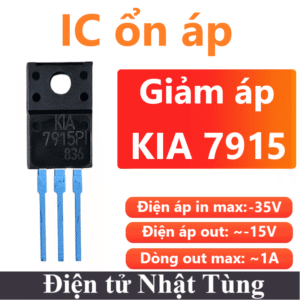 IC KIA 7915 ổn áp, ngõ ra điện áp âm 15V
1 × 10.000 ₫
IC KIA 7915 ổn áp, ngõ ra điện áp âm 15V
1 × 10.000 ₫ -
×
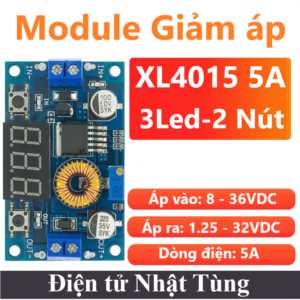 Module giảm áp XL4015 3 led 2 nút, Ổn áp DC-DC giảm áp 5A
1 × 69.000 ₫
Module giảm áp XL4015 3 led 2 nút, Ổn áp DC-DC giảm áp 5A
1 × 69.000 ₫ -
×
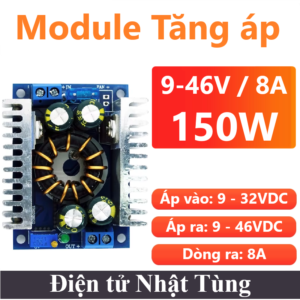 Module tăng áp DC 150W 8A, Mạch tăng áp 9-46VDC
1 × 95.000 ₫
Module tăng áp DC 150W 8A, Mạch tăng áp 9-46VDC
1 × 95.000 ₫ -
×
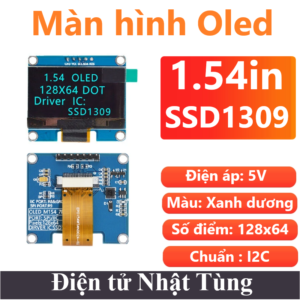 Màn hình Oled 1.54in I2C Màu Xanh dương, Màn hình Oled 128x64 hiển thị điểm ảnh
2 × 175.000 ₫
Màn hình Oled 1.54in I2C Màu Xanh dương, Màn hình Oled 128x64 hiển thị điểm ảnh
2 × 175.000 ₫ -
×
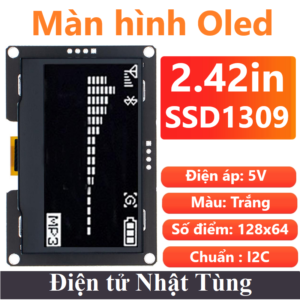 Màn hình Oled 2.42in I2C Màu trắng, Màn hình Oled 128x64 hiển thị điểm ảnh
1 × 305.000 ₫
Màn hình Oled 2.42in I2C Màu trắng, Màn hình Oled 128x64 hiển thị điểm ảnh
1 × 305.000 ₫ -
×
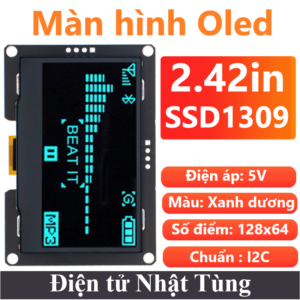 Màn hình Oled 2.42in I2C xanh dương, Màn hình Oled 128x64 hiển thị điểm ảnh
2 × 306.000 ₫
Màn hình Oled 2.42in I2C xanh dương, Màn hình Oled 128x64 hiển thị điểm ảnh
2 × 306.000 ₫ -
×
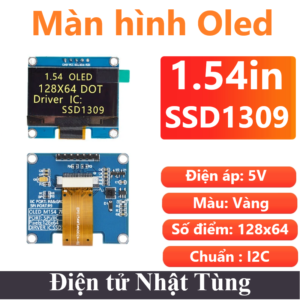 Màn hình Oled 1.54in I2C Màu vàng, Màn hình Oled 128x64 hiển thị điểm ảnh
2 × 175.000 ₫
Màn hình Oled 1.54in I2C Màu vàng, Màn hình Oled 128x64 hiển thị điểm ảnh
2 × 175.000 ₫ -
×
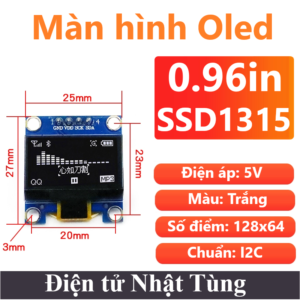 Màn hình Oled 0.96in I2C màu trắng , Oled 128x64 hiển thị điểm ảnh
1 × 57.000 ₫
Màn hình Oled 0.96in I2C màu trắng , Oled 128x64 hiển thị điểm ảnh
1 × 57.000 ₫ -
×
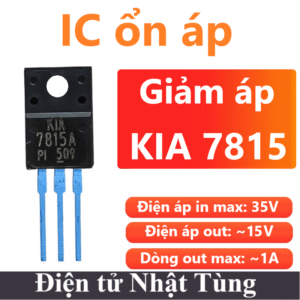 IC KIA 7815 ổn áp nhựa, ngõ ra điện áp dương 15V
2 × 7.000 ₫
IC KIA 7815 ổn áp nhựa, ngõ ra điện áp dương 15V
2 × 7.000 ₫ -
×
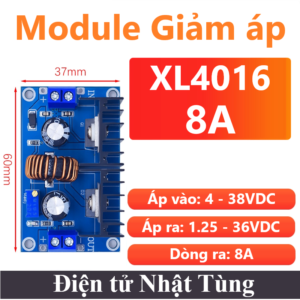 Module giảm áp XL4016 8A, Mạch ổn áp DC-DC giảm áp 8A
1 × 51.000 ₫
Module giảm áp XL4016 8A, Mạch ổn áp DC-DC giảm áp 8A
1 × 51.000 ₫ -
×
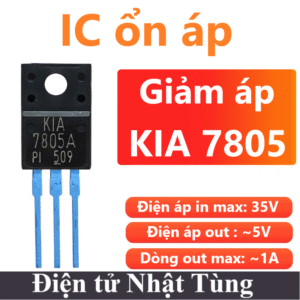 IC KIA 7805 ổn áp nhựa, ngõ ra điện áp dương 5V
1 × 7.000 ₫
IC KIA 7805 ổn áp nhựa, ngõ ra điện áp dương 5V
1 × 7.000 ₫ -
×
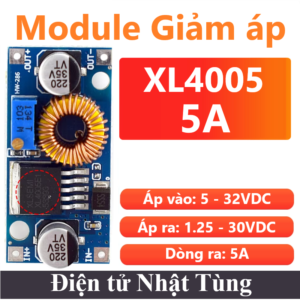 Module giảm áp XL4005 ADJ 5A, Module ổn áp DC-DC giảm áp 5A
1 × 28.000 ₫
Module giảm áp XL4005 ADJ 5A, Module ổn áp DC-DC giảm áp 5A
1 × 28.000 ₫ -
×
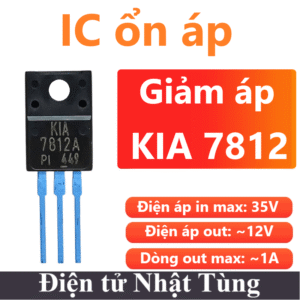 IC KIA 7812 ổn áp nhựa, ngõ ra điện áp dương 12V
1 × 8.000 ₫
IC KIA 7812 ổn áp nhựa, ngõ ra điện áp dương 12V
1 × 8.000 ₫ -
×
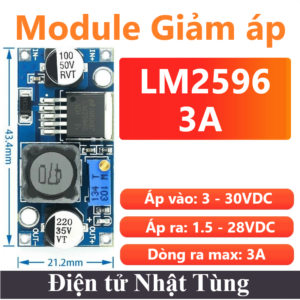 Module giảm áp LM2596 ADJ 3A, Module ổn áp DC-DC giảm áp 3A
1 × 19.000 ₫
Module giảm áp LM2596 ADJ 3A, Module ổn áp DC-DC giảm áp 3A
1 × 19.000 ₫ -
×
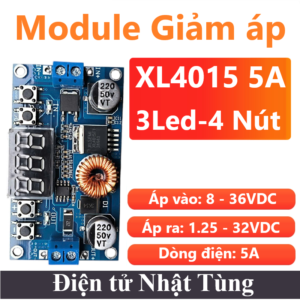 Module giảm áp XL4015 3 led 4 nút, Ổn áp DC-DC giảm áp 5A
1 × 123.000 ₫
Module giảm áp XL4015 3 led 4 nút, Ổn áp DC-DC giảm áp 5A
1 × 123.000 ₫ -
×
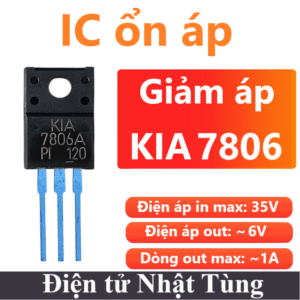 IC KIA 7806 ổn áp nhựa, ngõ ra điện áp dương 6V
1 × 9.000 ₫
IC KIA 7806 ổn áp nhựa, ngõ ra điện áp dương 6V
1 × 9.000 ₫ -
×
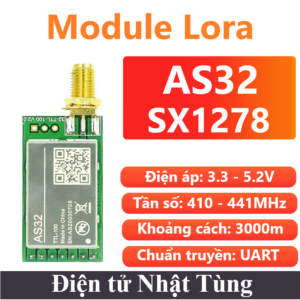 Module Lora SX1278 433Mhz AS32, Module thu phát không dây
1 × 245.000 ₫
Module Lora SX1278 433Mhz AS32, Module thu phát không dây
1 × 245.000 ₫ -
×
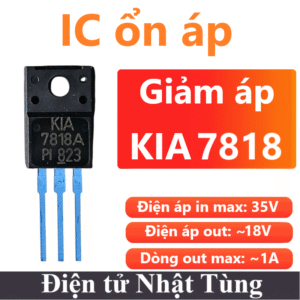 IC KIA 7818 ổn áp nhựa, ngõ ra điện áp dương 18V
1 × 9.000 ₫
IC KIA 7818 ổn áp nhựa, ngõ ra điện áp dương 18V
1 × 9.000 ₫ -
×
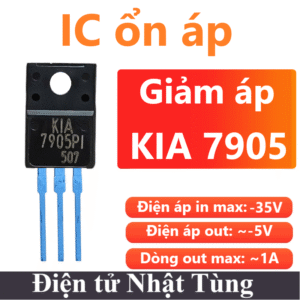 IC KIA 7905 ổn áp, ngõ ra điện áp âm 5V
1 × 8.000 ₫
IC KIA 7905 ổn áp, ngõ ra điện áp âm 5V
1 × 8.000 ₫ -
×
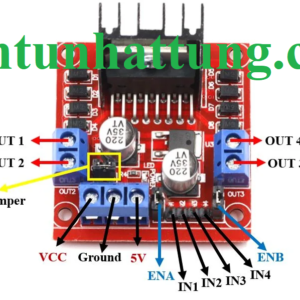
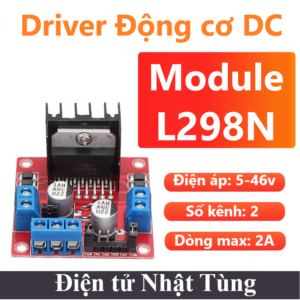 Module điều khiển động cơ DC L298N, Driver điều khiển động cơ DC
1 × 46.000 ₫
Module điều khiển động cơ DC L298N, Driver điều khiển động cơ DC
1 × 46.000 ₫
 VI ĐIỀU KHIỂN
 CẢM BIẾN
 ĐỘ K & Pt100
 MODULE VÀ MẠCH ĐIỆN
 ANTEN
ANTEN ĐIỆN TRỞ
 TỤ ĐIỆN
 IC CHỨC NĂNG
 ĐỘNG CƠ
 NGUỒN CUNG CẤP
 DỤNG CỤ & PHỤ KIỆN
 ĐÈN LED & DIODE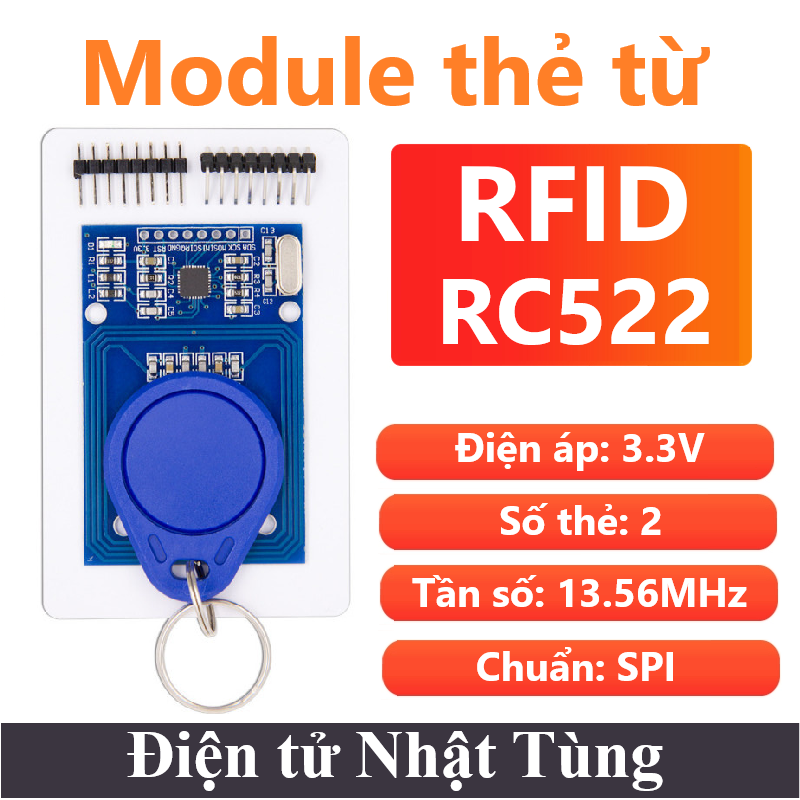

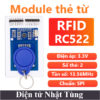
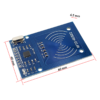
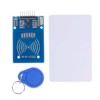
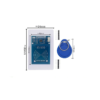
Module thẻ từ RFID RC522 SPI, Mạch thẻ từ NFC 13.56MHz
35.000 ₫
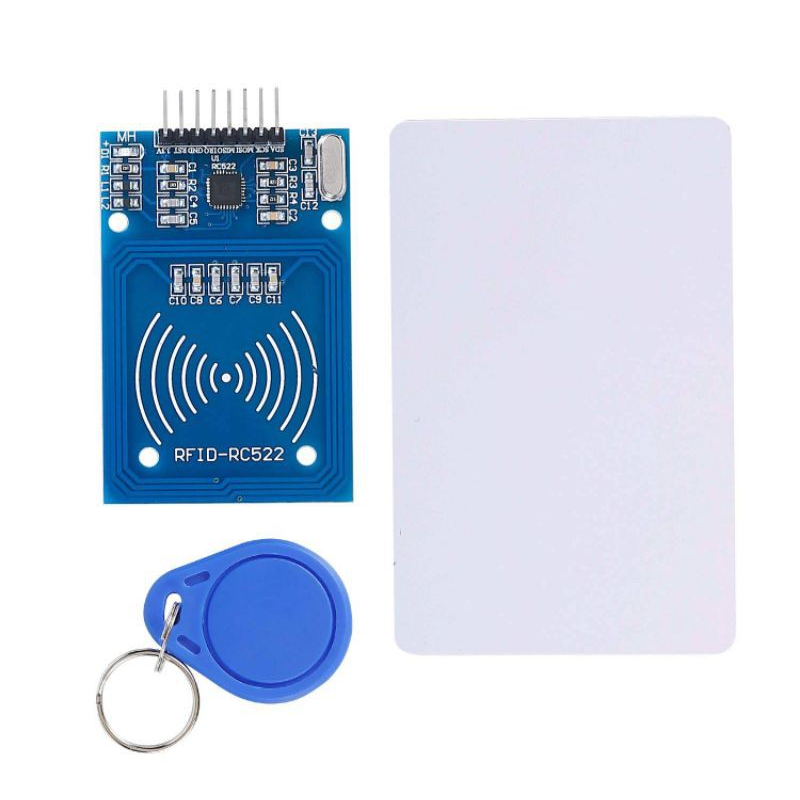
Module thẻ từ RFID RC522 SPI dùng để đọc và ghi dữ liệu cho thẻ NFC tần số 13.56mhz, với mức giá rẻ thiết kế nhỏ gọn, module này là sự lựa chọn hàng đầu cho các ứng dụng về ghi đọc thẻ RFID.
| Điện áp hoạt động: | 3.3V |
| Dòng tiêu thụ: | 26mA |
| Công suất: | 85mW |
| Loại sản phẩm: | Module |
| Chuẩn giao tiếp: | SPI |
Còn 100 trong kho
Giới thiệu Module thẻ từ RFID RC522 SPI
Module thẻ từ RFID RC522 SPI sử dụng IC MFRC522 của Phillip dùng để đọc và ghi dữ liệu cho thẻ NFC tần số 13.56mhz, với mức giá rẻ thiết kế nhỏ gọn, module này là sự lựa chọn hàng đầu cho các ứng dụng về ghi đọc thẻ RFID.
RFID (Radio Frequency Identification) là công nghệ nhận dạng đối tượng bằng sóng vô tuyến. Công nghệ này cho phép nhận biết các đối tượng thông qua hệ thống thu phát sóng radio, từ đó có thể giám sát, quản lý hoặc lưu vết từng đối tượng.
Một hệ thống RFID thường bao gồm 2 thành phần chính là thẻ tag (chip RFID chứa thông tin) và đầu đọc (reader) đọc các thông tin trên chip.
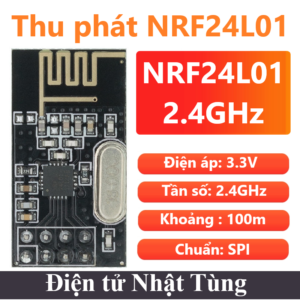
Ngoài ra còn có : Lora – NRF24L01,…
Các truyền không dây: HC-12 / RF / RFID,…
Anten đi kèm: Anten 433MHz
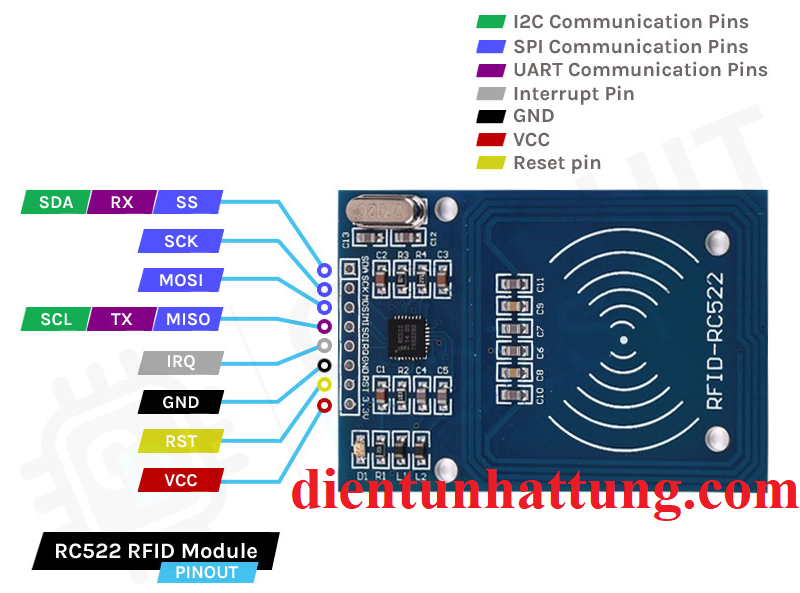
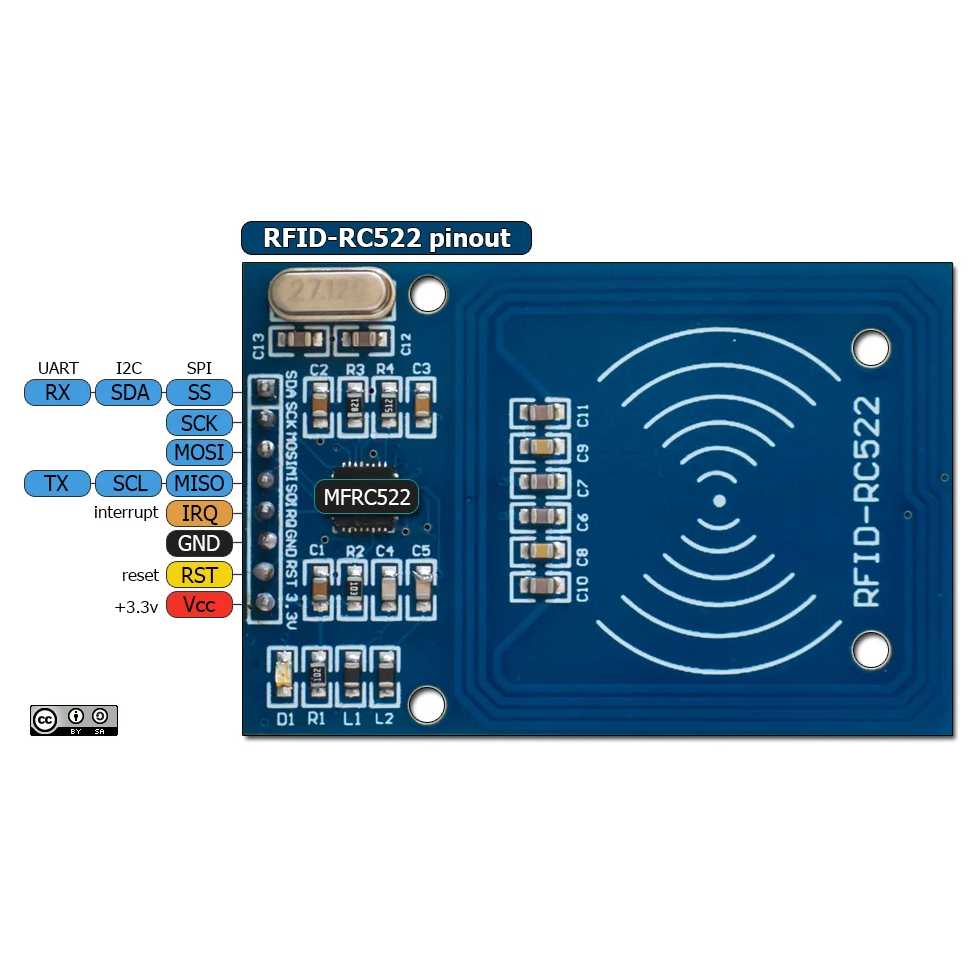
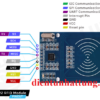
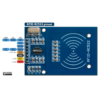
Chức năng các chân
- 3.3V : Cấp nguồn 3.3V.
- RST : Reset chuẩn SPI.
- GND : Cấp nguồn 0V
- IRQ : Không kết nối.
- MISO : Truyền SPI
- MOSI : Truyền SPI
- SCK : Tạo xung SPI
- SS : Cho phép SPI
Thông số kỹ thuật MODULE RFID RC522
- Điện áp hoạt động : 3.3V
- Dòng điện hoạt động : 26mA
- Dòng điện chờ : 1A
- Dòng điện nghĩ : 80uA
- Công suất : 86mW
- Tần số sóng mang : 13.56MHz
- Chuẩn truyền : SPI
- Khoảng cách hoạt động : 0~60mm(mifare1 card)
- Giao tiếp : SPI
- Tốc độ truyền dữ liệu : tối đa 10Mbit/s
- Các loại card RFID hỗ trợ : mifare1 S50, mifare1 S70, mifare UltraLight, mifare Pro, mifare Desfire
- Nhiệt độ hoạt động : -10°C – 60°C
- Số chân : 8
- Loại : Module
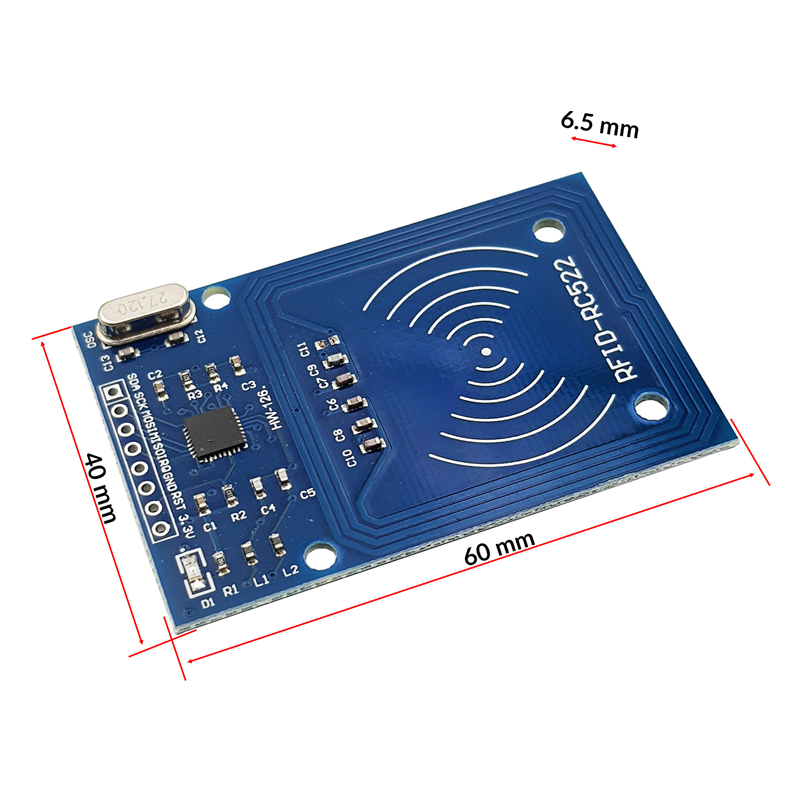
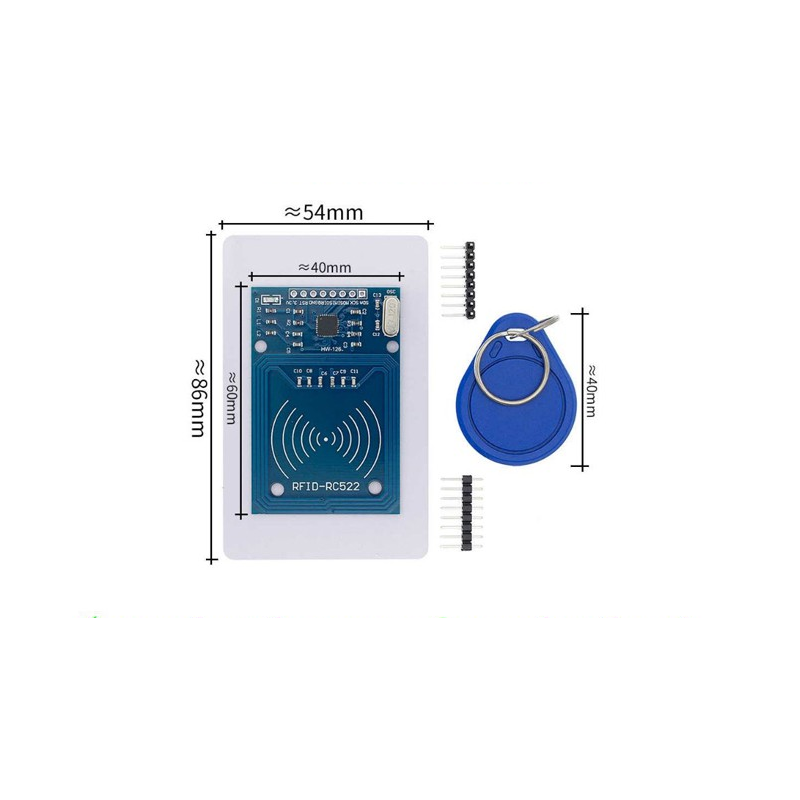
- Kích thước : 40mm*60mm
Chương trình Test
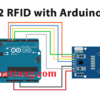
Nguyên lý kết nối
Chương trình
Thư viện : Tải MFRC522.h Cài trực tiếp trên phần mềm Arduino IDE
#include <SPI.h>      //include the SPI bus library
#include <MFRC522.h>  //include the RFID reader library

#define SS_PIN 10  //slave select pin
#define RST_PIN 5  //reset pin

MFRC522 mfrc522(SS_PIN, RST_PIN);  // instatiate a MFRC522 reader object.
MFRC522::MIFARE_Key key;          //create a MIFARE_Key struct named 'key', which will hold the card information

//this is the block number we will write into and then read.
int block=2;

byte blockcontent[16] = {"Last-Minute-Engg"};  //an array with 16 bytes to be written into one of the 64 card blocks is defined
//byte blockcontent[16] = {0,0,0,0,0,0,0,0,0,0,0,0,0,0,0,0};  //all zeros. This can be used to delete a block.

//This array is used for reading out a block.
byte readbackblock[18];

void setup()
{
    Serial.begin(9600);        // Initialize serial communications with the PC
    SPI.begin();               // Init SPI bus
    mfrc522.PCD_Init();        // Init MFRC522 card (in case you wonder what PCD means: proximity coupling device)
    Serial.println("Scan a MIFARE Classic card");

  // Prepare the security key for the read and write functions.
  for (byte i = 0; i < 6; i++) {
    key.keyByte[i] = 0xFF;  //keyByte is defined in the "MIFARE_Key" 'struct' definition in the .h file of the library
  }
}

void loop()
{
  // Look for new cards
  if ( ! mfrc522.PICC_IsNewCardPresent()) {
    return;
  }

  // Select one of the cards
  if ( ! mfrc522.PICC_ReadCardSerial())
  {
    return;
  }
    Serial.println("card selected");

   //the blockcontent array is written into the card block
   writeBlock(block, blockcontent);

   //read the block back
   readBlock(block, readbackblock);
   //uncomment below line if you want to see the entire 1k memory with the block written into it.
   //mfrc522.PICC_DumpToSerial(&(mfrc522.uid));

   //print the block contents
   Serial.print("read block: ");
   for (int j=0 ; j<16 ; j++)
   {
     Serial.write (readbackblock[j]);
   }
   Serial.println("");
}

//Write specific block
int writeBlock(int blockNumber, byte arrayAddress[])
{
  //this makes sure that we only write into data blocks. Every 4th block is a trailer block for the access/security info.
  int largestModulo4Number=blockNumber/4*4;
  int trailerBlock=largestModulo4Number+3;//determine trailer block for the sector
  if (blockNumber > 2 && (blockNumber+1)%4 == 0){Serial.print(blockNumber);Serial.println(" is a trailer block:");return 2;}
  Serial.print(blockNumber);
  Serial.println(" is a data block:");

  //authentication of the desired block for access
  byte status = mfrc522.PCD_Authenticate(MFRC522::PICC_CMD_MF_AUTH_KEY_A, trailerBlock, &key, &(mfrc522.uid));
  if (status != MFRC522::STATUS_OK) {
         Serial.print("PCD_Authenticate() failed: ");
         Serial.println(mfrc522.GetStatusCodeName(status));
         return 3;//return "3" as error message
  }

  //writing the block
  status = mfrc522.MIFARE_Write(blockNumber, arrayAddress, 16);
  //status = mfrc522.MIFARE_Write(9, value1Block, 16);
  if (status != MFRC522::STATUS_OK) {
           Serial.print("MIFARE_Write() failed: ");
           Serial.println(mfrc522.GetStatusCodeName(status));
           return 4;//return "4" as error message
  }
  Serial.println("block was written");
}

//Read specific block
int readBlock(int blockNumber, byte arrayAddress[])
{
  int largestModulo4Number=blockNumber/4*4;
  int trailerBlock=largestModulo4Number+3;//determine trailer block for the sector

  //authentication of the desired block for access
  byte status = mfrc522.PCD_Authenticate(MFRC522::PICC_CMD_MF_AUTH_KEY_A, trailerBlock, &key, &(mfrc522.uid));

  if (status != MFRC522::STATUS_OK) {
         Serial.print("PCD_Authenticate() failed (read): ");
         Serial.println(mfrc522.GetStatusCodeName(status));
         return 3;//return "3" as error message
  }

//reading a block
byte buffersize = 18;//we need to define a variable with the read buffer size, since the MIFARE_Read method below needs a pointer to the variable that contains the size...
status = mfrc522.MIFARE_Read(blockNumber, arrayAddress, &buffersize);//&buffersize is a pointer to the buffersize variable; MIFARE_Read requires a pointer instead of just a number
  if (status != MFRC522::STATUS_OK) {
          Serial.print("MIFARE_read() failed: ");
          Serial.println(mfrc522.GetStatusCodeName(status));
          return 4;//return "4" as error message
  }
  Serial.println("block was read");
}
Tham khảo chương trình mẫu và thông tin linh kiện chi tiết tại:
Chỉ những khách hàng đã đăng nhập và đã mua sản phẩm này mới có thể để lại đánh giá.
Sản phẩm tương tự
Đánh giá
Chưa có đánh giá nào.